Documentation topics
Timeline Memory — Overview
Use Timeline Memory in Premiere Pro to save selected clips before After Effects Dynamic Link replacement. If the edit has already been replaced, use Restore on the AE Link to attempt recovery.
Explore the main controls below. What appears in the panel depends on your project and installation.
Dashboard: choose a workflow
The Dashboard shows the current project and sequence, the active snapshot, the AE Bridge status, and any Dynamic Link clips found in the timeline.
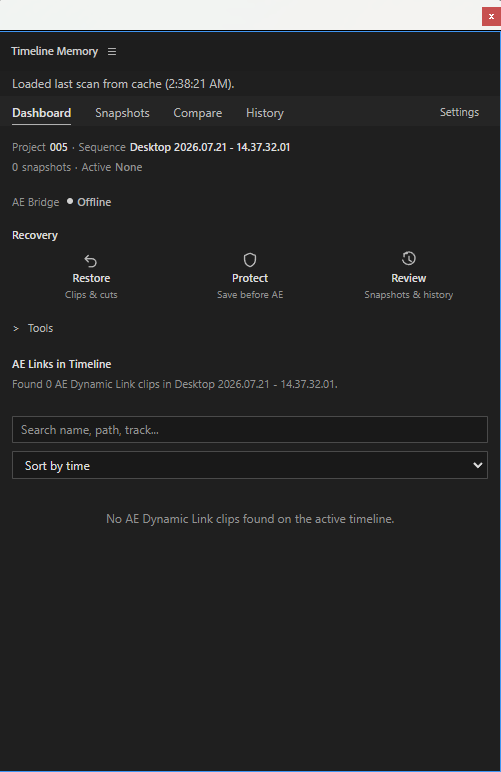
- Protect: select the original Premiere clips before replacing them with an After Effects composition. Protect saves a Snapshot of that selection.
- Restore: select one AE Link in the timeline or scan list to attempt recovery. With no selection, the panel can scan the active sequence.
- Review: compares the active snapshot with the current timeline. If no snapshot is active, it opens the Snapshots view or directs you to an AE Link to inspect.
Open Tools for Export Backup (saved Timeline Memory data as JSON, not a full project backup), Verify Media (path checks), and Source History (information about a selected source clip).
Snapshots: saved edit states
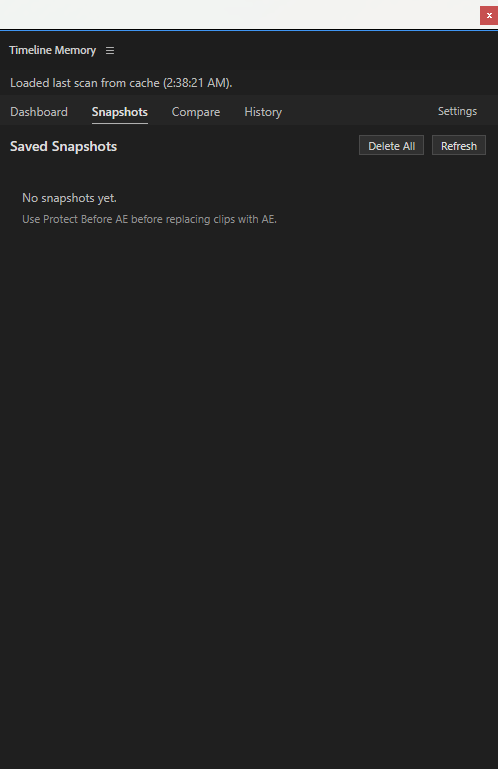
The Snapshots tab lists saved selections for the current project. Refresh reloads the list. Delete All removes that project's saved snapshots after confirmation; it is not a way to clear only the visible list.
Compare: inspect differences
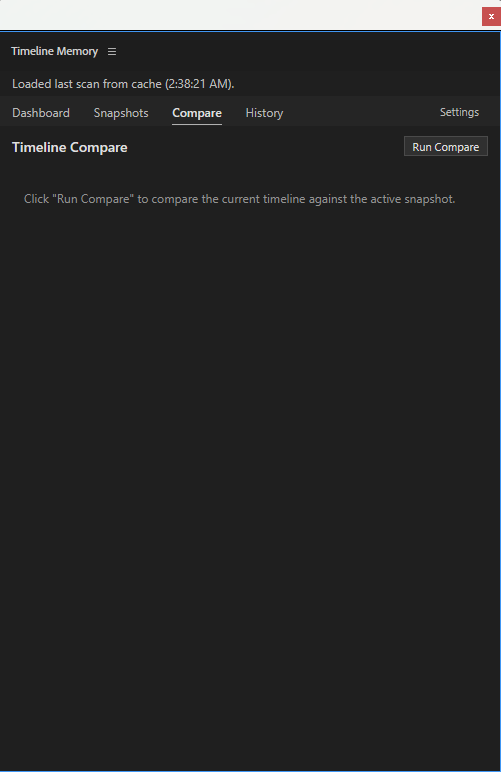
Run Compare checks the current timeline against the active snapshot and reports added or missing clips. Without an active snapshot, it may show an overview of AE Links instead of a full comparison. Comparing does not restore clips.
History: review operations
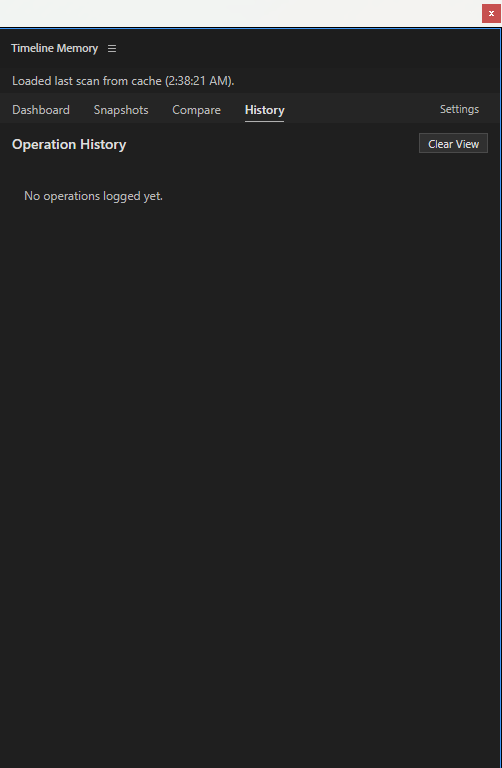
History displays recorded snapshot and recovery operations when they exist. Clear View clears the rows currently displayed; it does not delete the underlying operation history.
Settings: recovery and scan controls
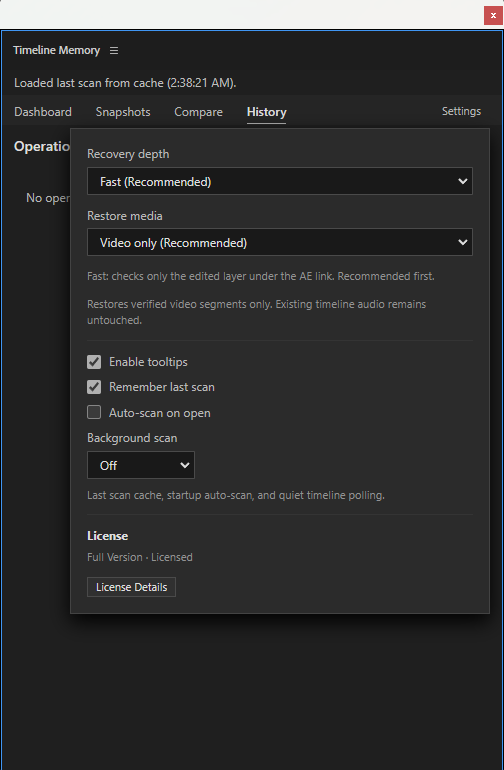
Recovery depth and Restore media control recovery options. Scan settings include Remember last scan, Auto-scan on open, and Background scan. Use License Details to inspect this installation's current license status; see Timeline Memory Licensing for activation guidance.
Premiere Pro integration
Timeline Memory runs as a panel in Premiere Pro. For supported host and platform versions, see the product's Compatibility tab.
New to the panel? See installation and trial and license activation.
Product and recovery guide
Review the Timeline Memory product page for product details, compatibility and purchase options. For a problem-first recovery walkthrough, read how to recover a Premiere Pro edit after Replace With After Effects Composition.